Search OCR PDFs in a WPF App with SQLite FTS5
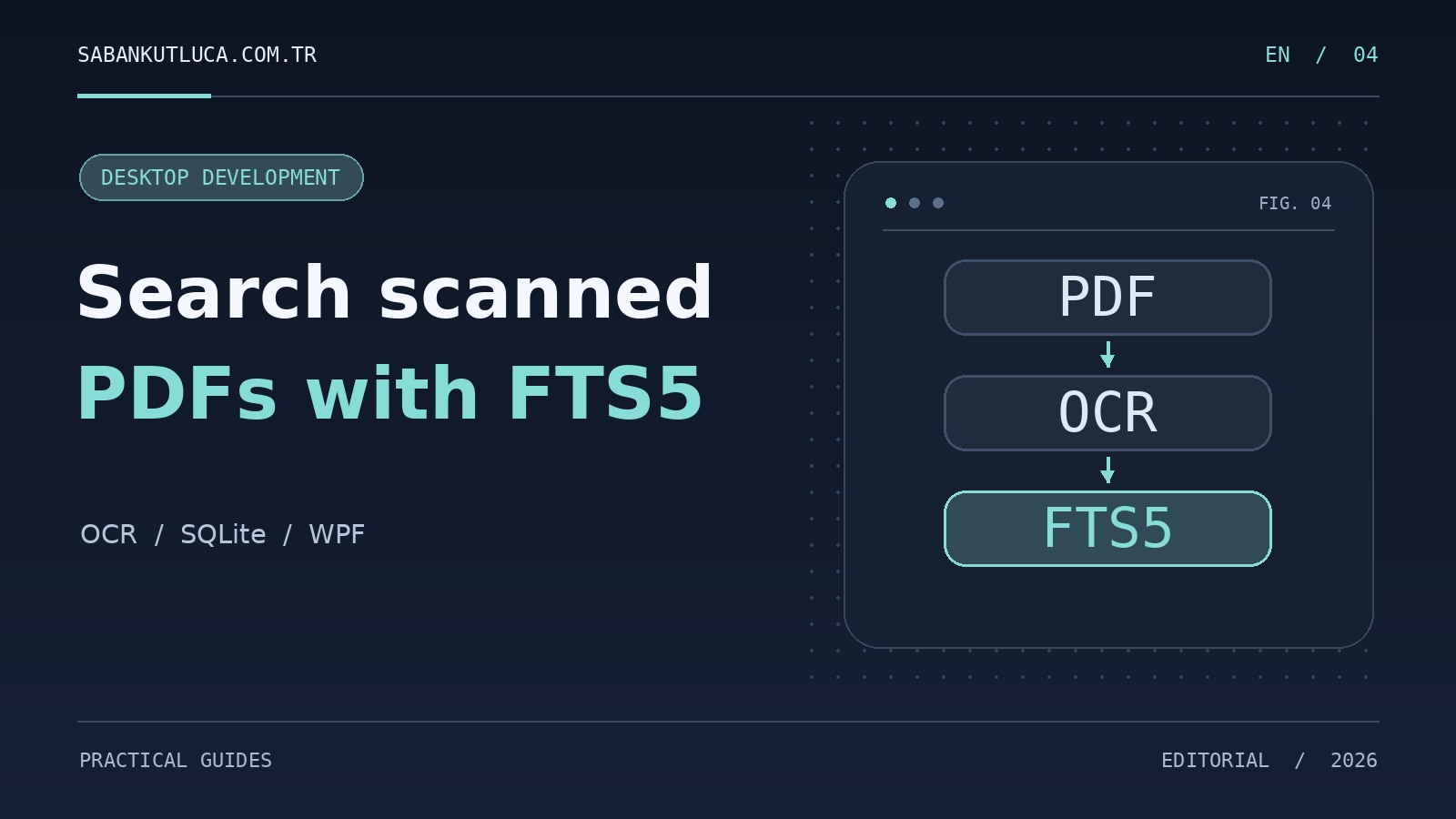
A desktop archive should find a phrase inside a scanned PDF and open the matching page. A practical WPF implementation separates PDF processing, text indexing, and search presentation. The PDF remains the original record; the search index is a rebuildable aid.
Extract text before indexing
Start with a document catalog containing a stable ID, file path, content hash, and processing status. Handle each page separately: extract an existing text layer when usable, and send image-only pages through OCR. Mixed PDFs need this decision per page, not just per file.
Tesseract does not read PDFs directly. Render scanned pages to supported images using a PDF renderer, then recognize those images. Its documentation also identifies OCRmyPDF as an alternative PDF-processing route. Tesseract input formats
For example, after creating page-001.png and installing
English and Turkish language data:
tesseract page-001.png page-001 -l eng+tur txtRead the resulting text file only after checking the process exit code. Select languages that match the archive rather than enabling every installed model. Tesseract command-line documentation
Keep the extracted text, page number, processing version, and any failure together. A blank page and a failed OCR job should have different statuses.
Build a small page-level index
This starter design stores text directly in an ordinary FTS5 table:
CREATE VIRTUAL TABLE page_fts USING fts5(
    document_id UNINDEXED,
    page_number UNINDEXED,
    body,
    tokenize = 'unicode61'
);

INSERT INTO page_fts(document_id, page_number, body)
VALUES (42, 3, 'The invoice includes a warranty extension.');
The metadata columns remain retrievable without becoming search
terms. Check FTS5 availability against the exact SQLite runtime shipped
with the application. The unicode61 tokenizer provides
Unicode-aware tokenization, but do not assume it supplies
language-specific stemming. Test Turkish dotted and dotless letters
against your actual search expectations. SQLite FTS5
documentation
For reindexing, finish text extraction first. Then delete that document’s old index rows and insert its replacement pages in one database transaction. Retain the previous index if extraction fails. This simple approach avoids leaving duplicate pages after an interrupted retry.
Query from C# safely
Using an open Microsoft.Data.Sqlite connection, a basic
literal-phrase search can be written as:
if (string.IsNullOrWhiteSpace(input)) return;

using var command = connection.CreateCommand();
command.CommandText = """
    SELECT document_id, page_number,
           snippet(page_fts, 2, '[', ']', '...', 24)
    FROM page_fts
    WHERE page_fts MATCH $query
    ORDER BY rank
    LIMIT 50;
    """;

var phrase = "\"" + input.Trim().Replace("\"", "\"\"") + "\"";
command.Parameters.AddWithValue("$query", phrase);
using var reader = command.ExecuteReader();
// Map rows to search results, including the matching page number.
Bind parameters rather than concatenating SQL. Parameters protect the SQL statement; the separate quote handling intentionally makes the input an FTS phrase instead of exposing FTS operators. This is phrase search, not arbitrary substring matching. Microsoft parameter guidance and FTS5 query syntax
Keep the interface responsive
Run OCR and database work in a background worker with its own
connection. Microsoft.Data.Sqlite’s asynchronous ADO.NET methods execute
synchronously, so adding await alone does not move database
work off the UI thread. Microsoft.Data.Sqlite
async limitations
Marshal bound collection updates through WPF’s Dispatcher. Debounce search input and discard results belonging to an older query before displaying them. WPF threading model
Finally, test document replacement, deletion, OCR failure, quoted queries, and navigation to the correct page. Display snippets as text, preserve originals, and offer a rebuild operation. Reliable recovery matters as much as the first successful search.